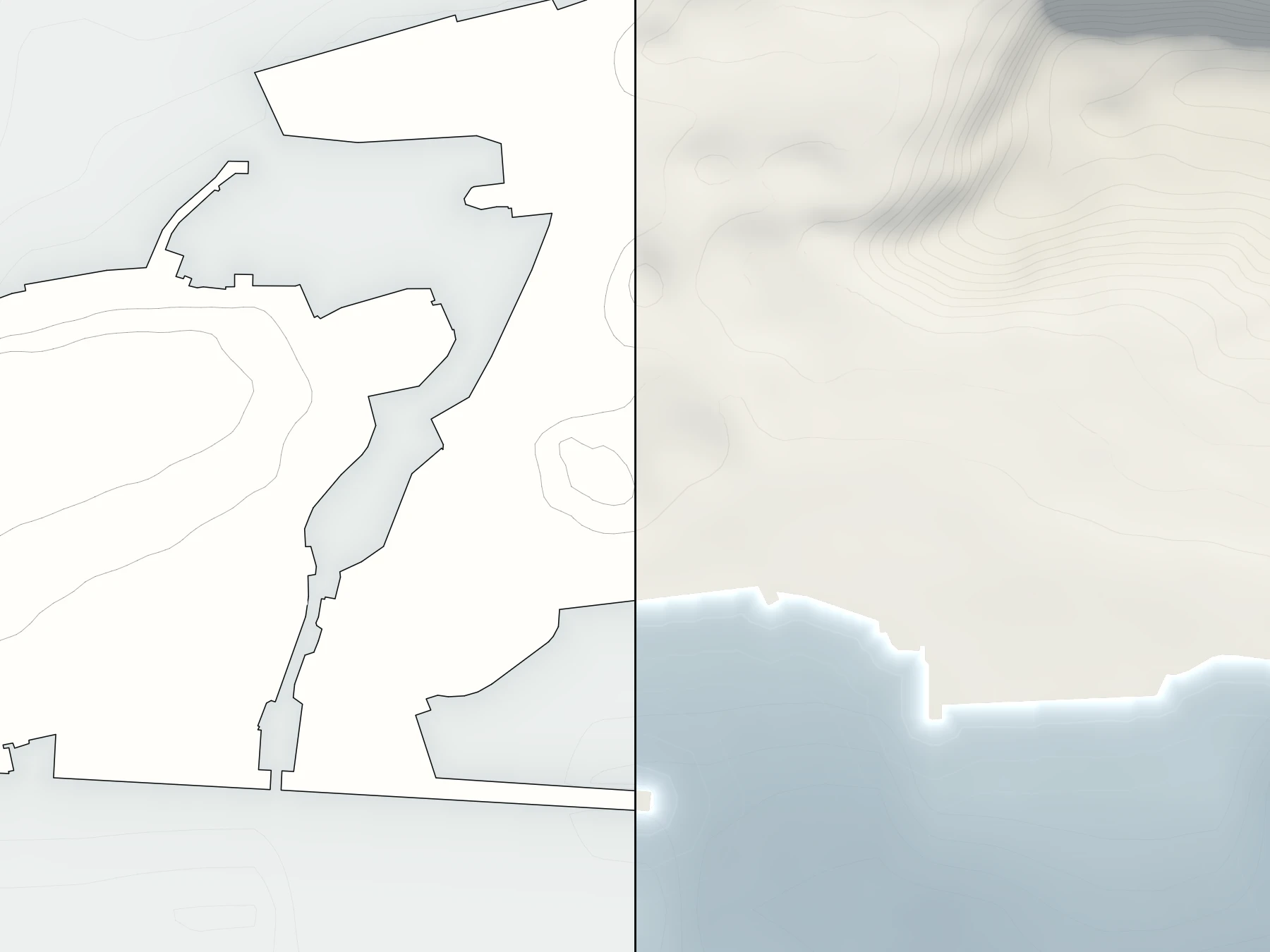
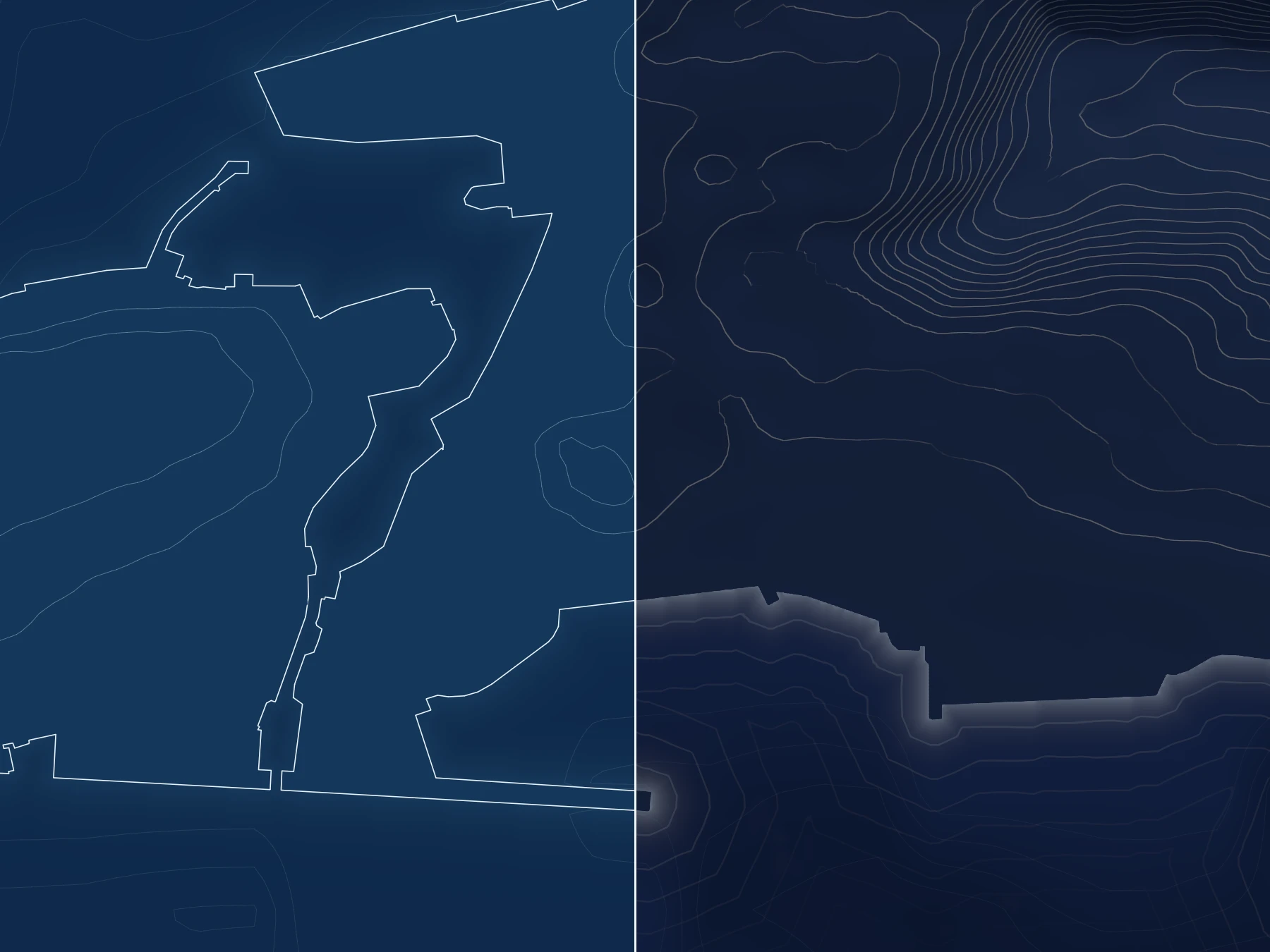
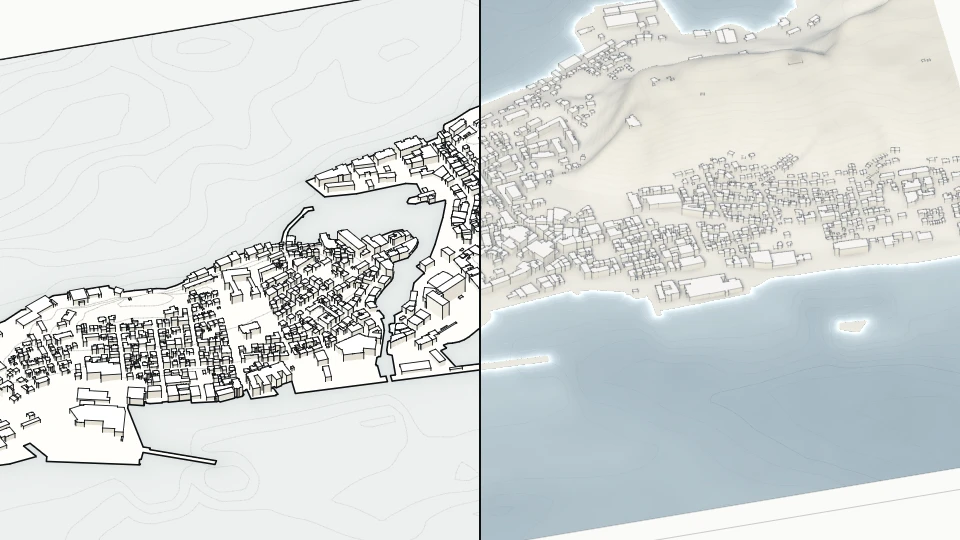
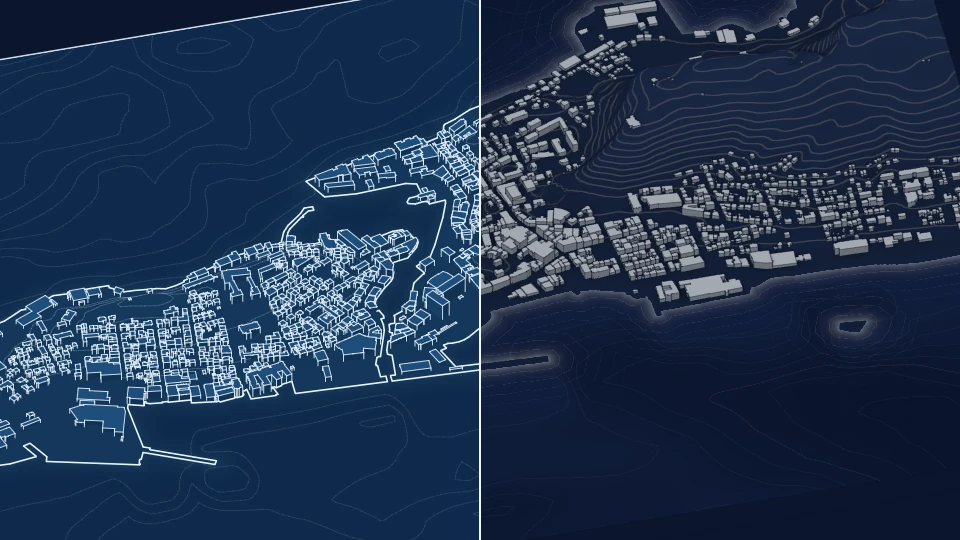
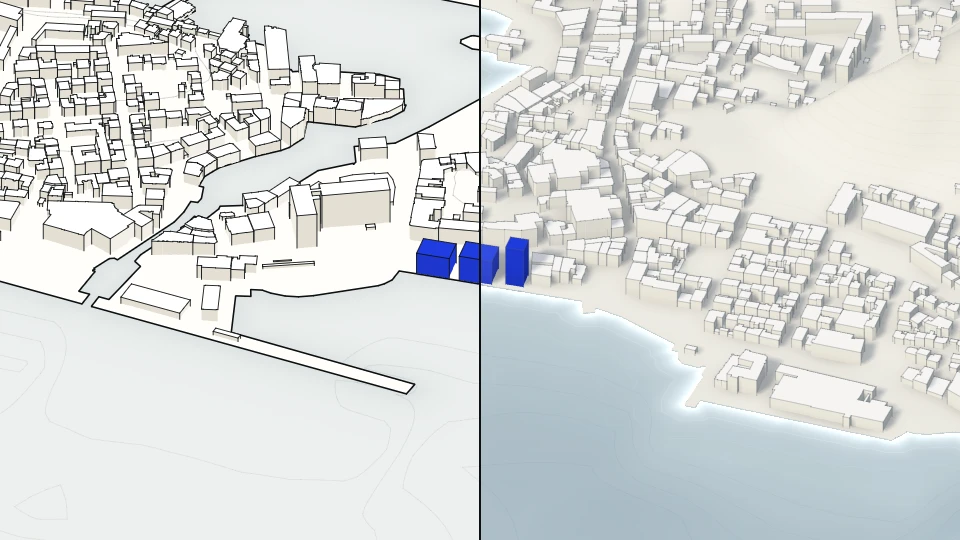
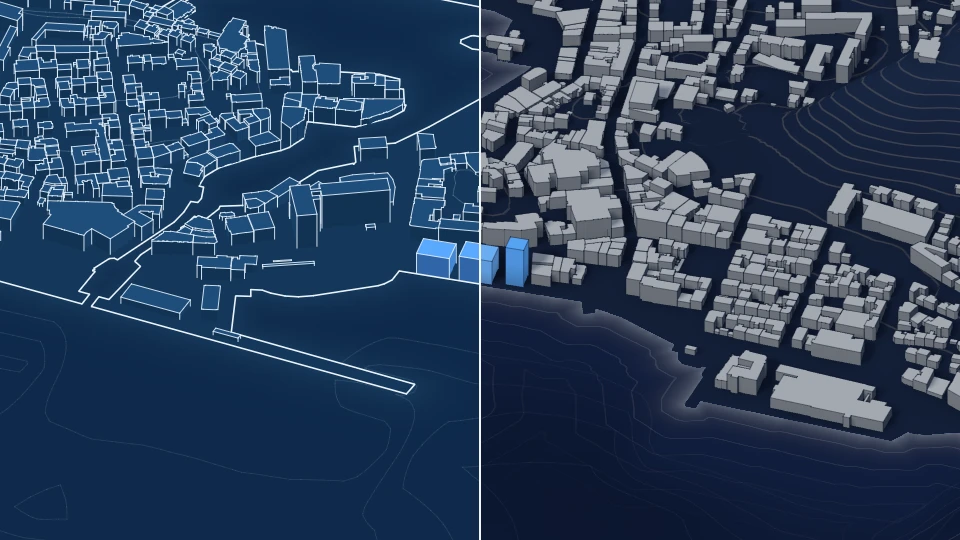
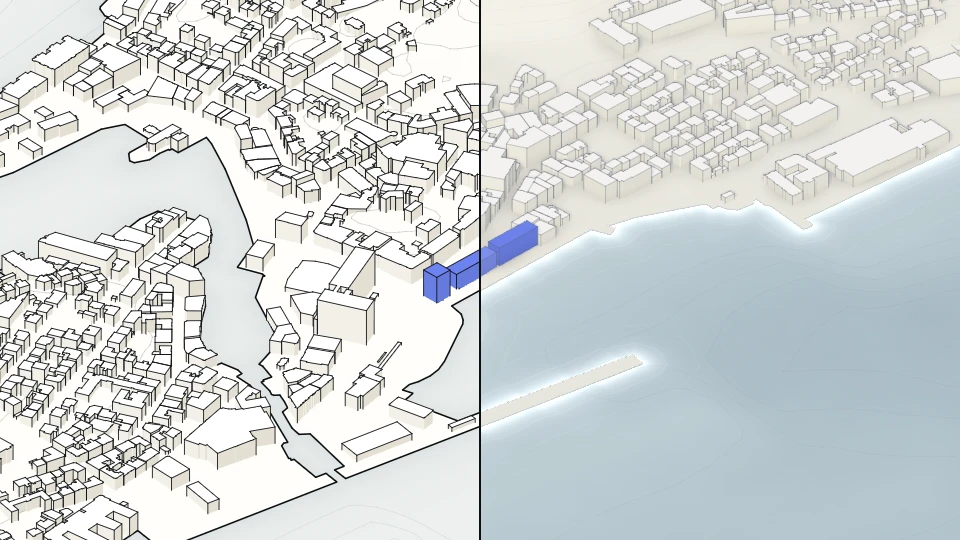
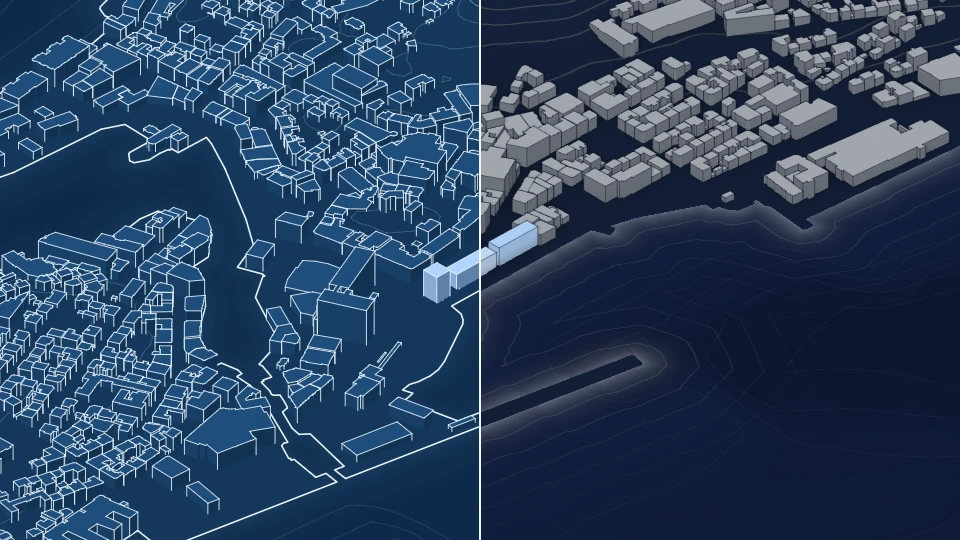
Plan together.

AugmentCity is one shared collaborative workspace for spatial projects, in 3D, in your browser. Bring the data together, work on it live, and show it to anyone with a single link.

For planners and project managers who need to show a project to colleagues, decision-makers and the public.

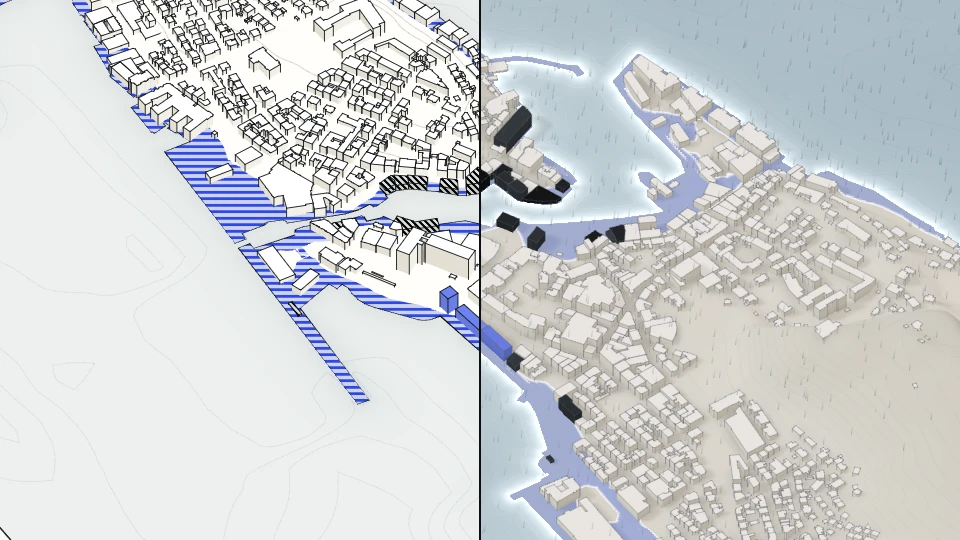
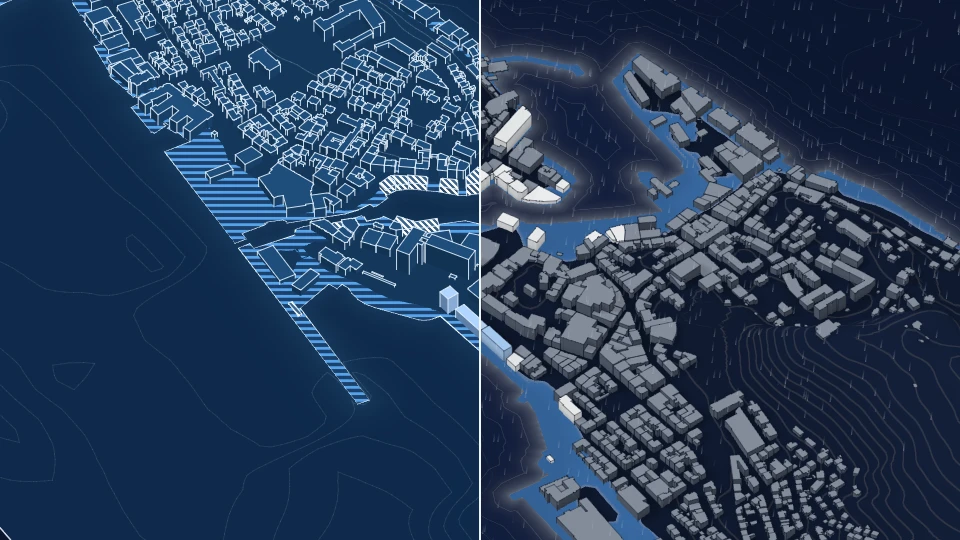
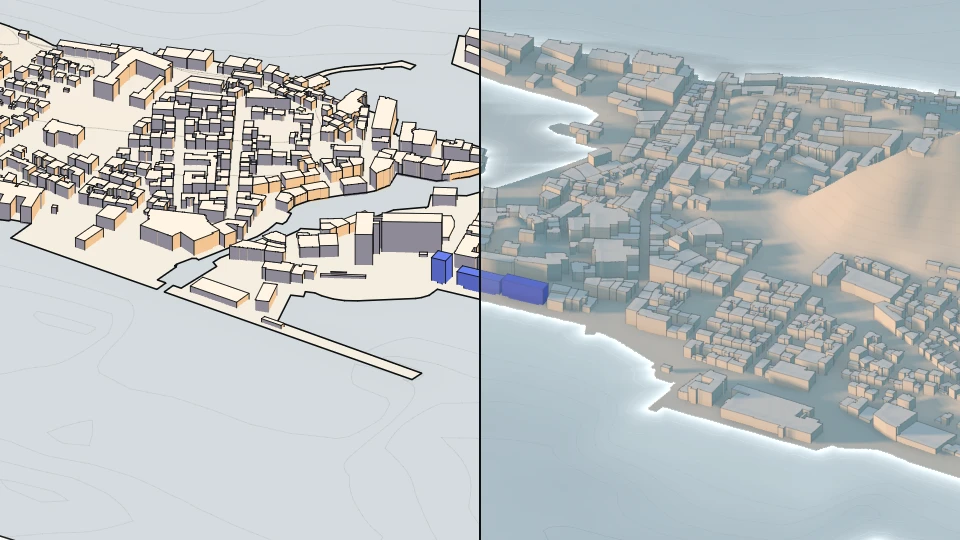
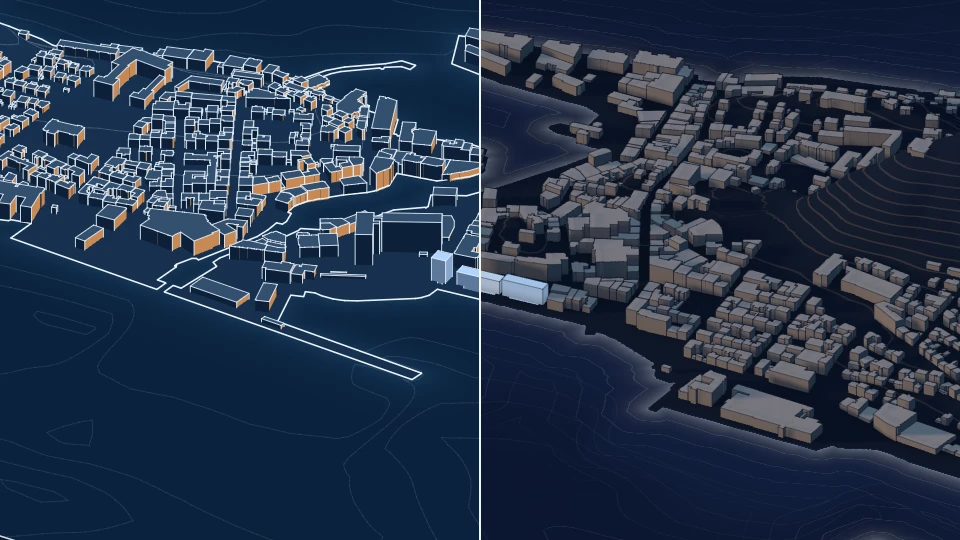
Ålesund Waterfront 2040

Start

Ålesund Waterfront 2040 Example project

Snapshots

Why

Most spatial data sits in tools only a few people can run. Everyone else gets a screenshot.

AugmentCity puts the place itself in front of the whole team, the people they answer to, and the public.

What you do in it

Three things a screenshot cannot do.

01 Work on it together

Everyone in the same place, at the same time.

A project team looks at one live model instead of passing files around.

Before: one person shares their screen. Now: everyone is in it.
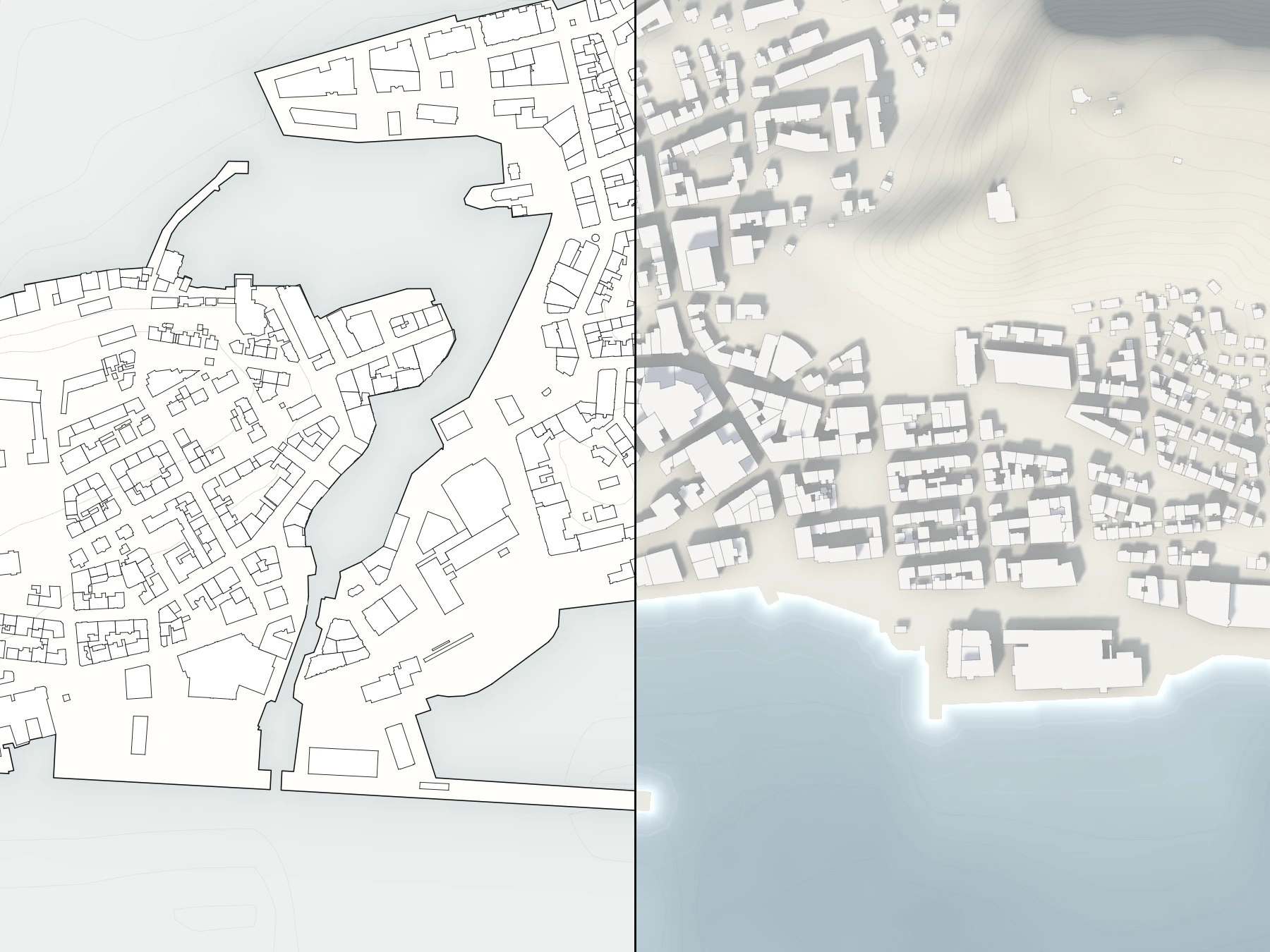
Illustration of the example project, built from open data
  1. Point at it

    The Online panel shows who is in the project and where they are looking. Drop a pointer on the thing you mean.

  2. Pin the discussion

    Comments sit exactly where they belong, with replies, mentions and a resolved state.

  3. Present, and others follow

    Presentation Mode hides the panels and steps through your snapshots, one key each. Colleagues follow your view with one click, wherever they are.

Recordings from the product
Real capture From the film: working together live. Ålesund Waterfront 2040.
Real capture From the film: pressing Present.

02 Choose and share

Pick the snapshots. Send one link.

Choose what others should see and share it as a link that opens in any browser, no account needed.

Before: slides exported the night before. Now: one link to the live project.

Illustration of the example project, built from open data
  1. Choose what to share

    Pick the snapshots that belong in the link and leave the working material out. The people you send it to see only what you chose.

  2. Try one

    Bergen city centre in 12 views. A real share link, nothing to install.

    Open the Bergen example (Opens in a new tab)
Recordings from the product
Real capture From the film: the share dialog and the recipient’s view.
Real capture The Bergen live example, stepped through as a recipient would.

03 Engage the public

Ask the people who live there.

Turn the same link into public engagement people can actually take part in.

Before: a PDF and a comment form. Now: the plan in 3D, with a vote.

Illustration of the example project, built from open data
  1. Ask a question

    Choose the snapshots to show and the question to ask. Citizens open the link and explore the plan in 3D, without an account.

  2. Votes and feedback

    They choose between the options you put forward and pin what they think to the place it concerns.

  3. The results

    Follow the response as it comes in, and export it when the campaign closes.

Recordings from the product
Real capture From the film: an engagement campaign. Bjørvika, Oslo.

Watch

See it in two minutes.

From an empty map to a public vote, in one project.

English captions available

In the workspace

What you bring in, and what you can do with it.

The data catalog finds trusted open data for the area in view and adds it in one click.

Illustration of the example project, built from open data

Keep QGIS or ArcGIS for the analysis. Connect what your GIS team already produces, as live services or as files, or drop in your own plans, models and point clouds.

Services you can connect

  • WMS
  • WMTS
  • WFS
  • ArcGIS Feature and Map services
  • XYZ and TMS tiles
  • 3D Tiles
  • I3S
  • Cesium ion

Files you can drop in

  • GeoJSON
  • Shapefile
  • KML
  • CSV
  • GeoTIFF
  • IFC
  • GLB
  • LAS and LAZ
  • Gaussian splats
  • CZML
  • GPX
  • TopoJSON

No GIS team? Start from the data catalog. Everything on this page works without one.

A snapshot saves the whole view: camera, layers, styling, time of day and weather. Make one for each thing you want to show.

Illustration of the example project, built from open data

Drag a divider between two snapshots and compare them exactly where they differ.

Real capture From the live example: dragging the split-view divider between before and after. Bergen.

Play a timeline to show a place changing: building phases, a rising tide, a year of measurements.

From the live example: moving markers with the timeline open. Bergen.
Real capture From the live example: moving markers with the timeline open. Bergen.

IFC models, point clouds and Gaussian splats sit in the same scene as your maps.

Real capture From the film: an IFC model dropped into the scene. Ålesund Waterfront 2040.

Invite your organisation once, then give each project its own team. Owners and admins manage the members; each project sets who edits, contributes or only views, and outside partners join a single project as guests.

Illustration of the example project, built from open data

Ask a question in plain language. GeoAI finds the data, runs the analysis and puts the answer on the map.

Illustration of the example project, built from open data

Research & partners

Built and proven in European research.

AugmentCity grew up inside Horizon Europe projects, where scientists, public authorities and local stakeholders need one place to explore results together.

  • 15+ countries

    with partners working in the platform

  • 100+ partner organisations

    universities, research institutes and public authorities

  • 20+ data formats and services

    from GeoJSON and IFC to WMS and 3D Tiles

Purpose-built digital twins for research projects

For research consortia we still build digital twins around a project's own models and data: a co-creation platform that connects scientific results with the places they describe.

Looking for a partner for your research project? Get in touch

  • RESIST

    Horizon Europe · 2023–2027

    European regions testing adaptation solutions to key climate challenges.

  • ORION

    Horizon Europe · 2024–2027

    The transition to a sustainable, resilient and cybersecure energy system.

  • ReVALUE

    Horizon 2020

    The next generation of valuation guidance for sustainability in residential property.

  • CREST

    Horizon Europe

    Climate resilience and societal security.

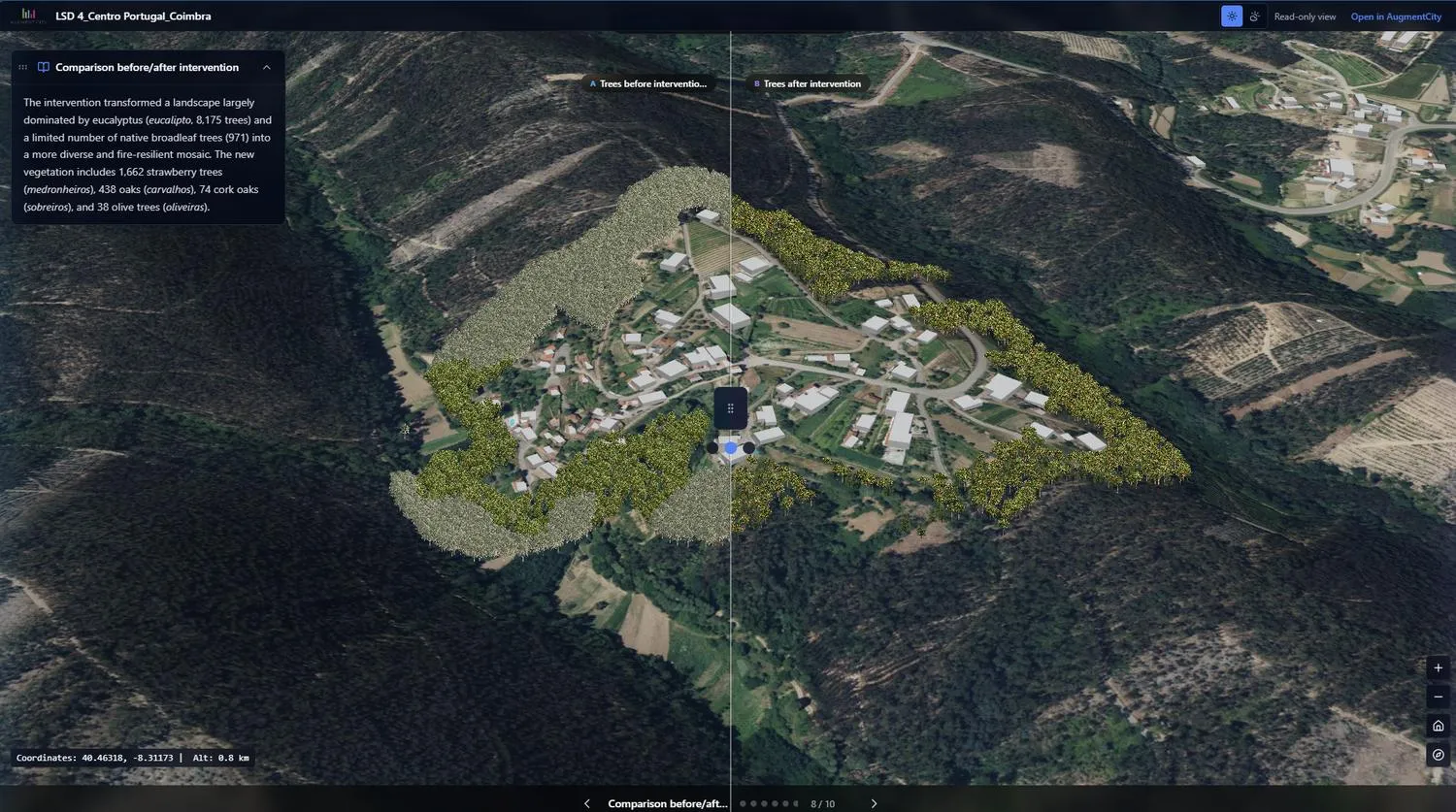
  • Before and after comparison of a landscape intervention

    RESISTCentro Portugal

    What would replanting for fire resilience actually look like?

    Eucalyptus before and mixed native planting after, compared in one split view.

    Real capture

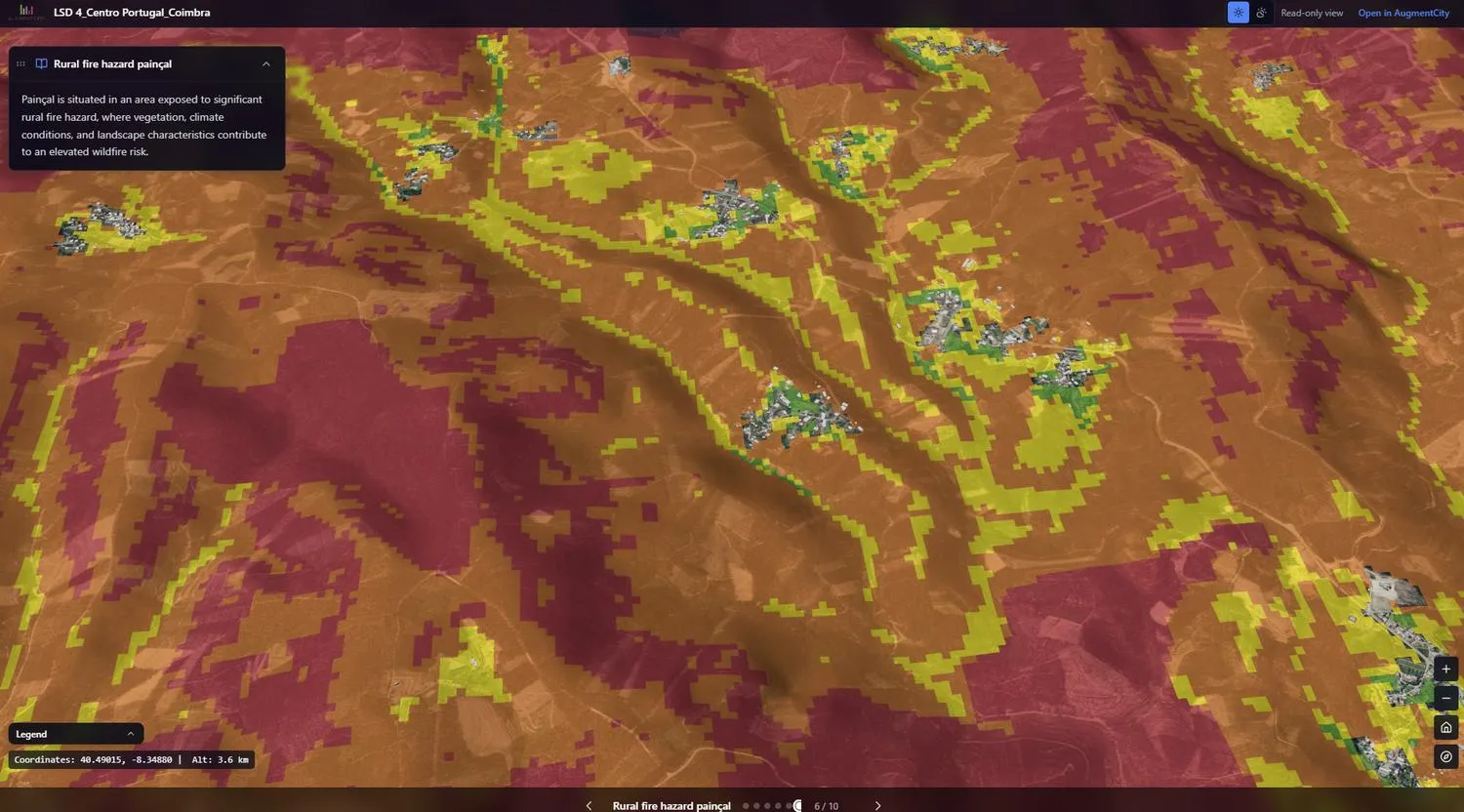
  • Wildfire hazard mapping over terrain

    RESISTPainçal, Portugal

    Which settlements sit inside the high-hazard zone?

    Rural fire hazard draped over the terrain, with the villages picked out inside it.

    Real capture

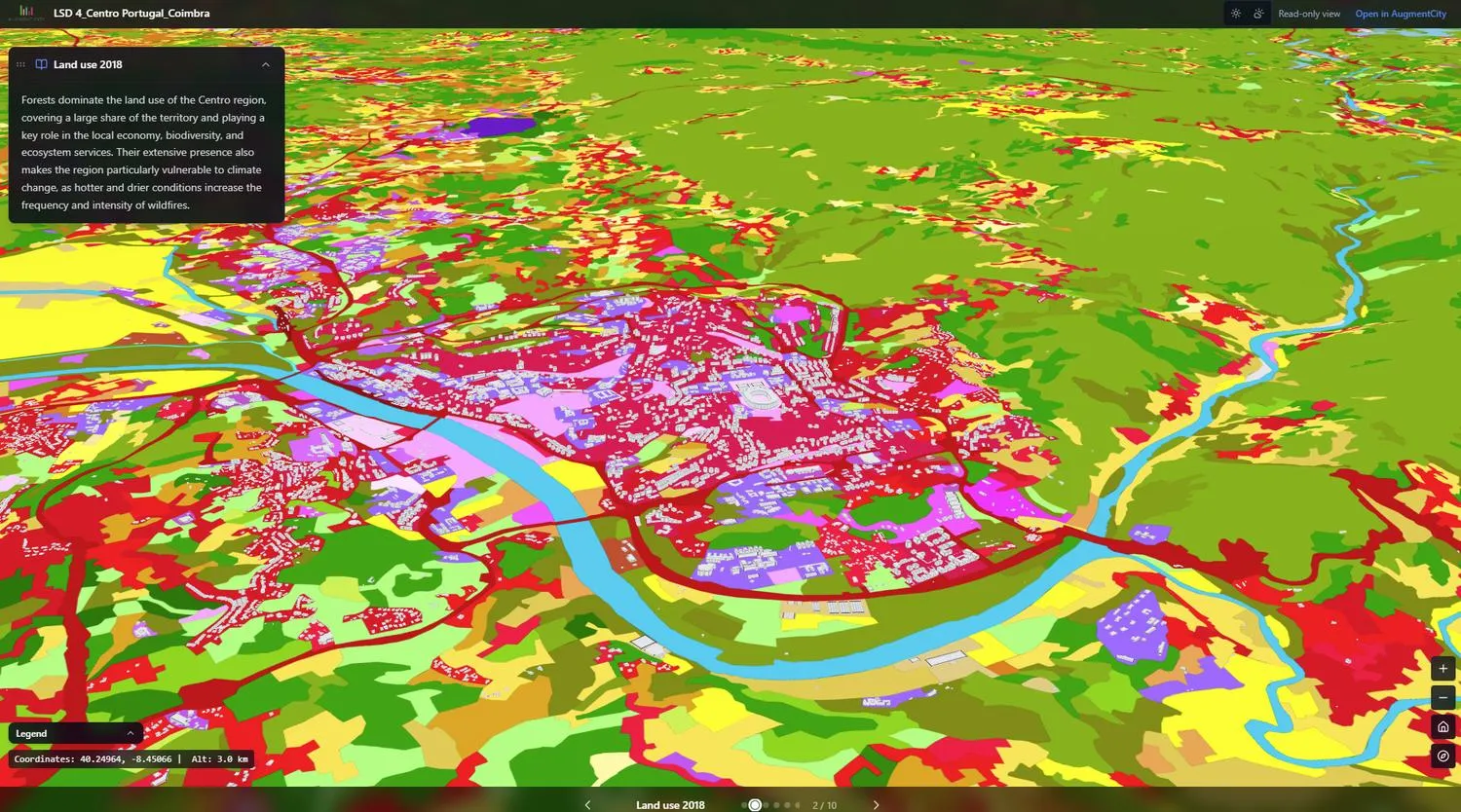
  • Land use classification in 3D

    RESISTCoimbra, Portugal

    What is on the land today?

    Land-use classes shown in 3D as the starting point for any change.

    Real capture

Funded by the European Union. Views and opinions expressed are however those of the author(s) only and do not necessarily reflect those of the European Union or the granting authority.

Pricing

Four plans. One principle.

Anyone with the link can look. No account, no licence.

Plans differ in how much you can build and share, never in who is allowed to see it.

  • Solo

    NOK 1,290 / month

    One specialist, working alone.

    • 3 projects with 5 snapshots each
    • 10 layers per project and 1 GB of storage
    • 1 seat, with no live collaboration
    • 3 view-only share links with an expiry date
    • GeoAI included, with 100 credits a month Beta
    • Email support
    Request a free trial: Solo
  • Team

    NOK 2,990 / month

    A small team on live projects.

    • 10 projects with 10 snapshots each
    • 25 layers per project and 5 GB of storage
    • 3 seats (about NOK 997 each), working together live
    • 10 share links with password and expiry
    • GeoAI included, with 500 credits a month Beta
    • Publish your own datasets to the catalog
    Request a free trial: Team
  • Enterprise

    Custom pricing

    Tailored for your team.

    • Flexible limits on projects, snapshots and layers
    • Team size and volume pricing to fit
    • White-label share links
    • SSO, SLA and data residency
    • Service accounts and higher API limits
    • Priority support with an optional SLA
    Talk to us: Enterprise

Prices are in NOK per month, excluding VAT. Try any plan free before you commit.

Compare all features
Plan comparison
Feature or limitSoloTeamProfessionalEnterprise
Workspace capacity
Projects31050Flexible limit
Snapshots per project51050Flexible limit
Layers per project1025100Flexible limit
Combined workspace storage1 GB5 GB50 GBTailored allowance
People and collaboration
Included seats135Flexible team size
Additional seatsUpgrade to TeamUpgradePaid add-onVolume pricing
Real-time collaboration—Up to 3 peopleFull, with presenter modeFull, with admin controls
Sharing and public reach
Active share links3, view-only10100Flexible limit
Share controlsExpiry datePassword and expiryEmbed, analytics and brandingWhite-label options
Engagement campaigns——3 activeFlexible limit
Engagement responses per month——2,500Tailored allowance
GeoAI and compute Beta
GeoAI agent BetaIncludedIncludedIncluded, pooledIncluded, pooled
Included AI credits per month1005002,500Tailored monthly pool
AI overages—Opt-in, with a spend capOpt-in, with admin budgetsVolume rates and controls
GeoprocessingBrowser-local toolsStandard tools and 10 cloud jobsAll tools and 100 cloud jobsFlexible compute capacity
Point cloud and terrain conversion—2 jobs per month25 jobs per monthFlexible compute capacity
Data, output and governance
Publishing to the data catalog—IncludedIncludedIncluded
ExportsImages and PDFImages and PDFImages, PDF and vectorImages, PDF and vector
Audit history—30 days1 yearTailored retention and export
API access——Standard APIHigher limits and service accounts
SSO, SLA, data residency———Available
SupportEmailEmailPriorityPriority, with an optional SLA

Book a walkthrough

Twenty minutes, on your own area.

Tell us where you work and what you need to show. We set up your area before the call, so you see your own place and not a demo. Rather try it on your own first? Ask for a free trial in the same email.

Write to us

contact@augmentcity.no

Request a walkthrough

Ålesund, Norway

Common questions

Do we need GIS expertise to use it?

No. You can start from the data catalog and present without GIS training. If you have a GIS team, they will take you further, faster.

Does it replace QGIS or ArcGIS?

No. Keep them for analysis and data management. AugmentCity is where the results are shared, discussed and presented.

Who can open a share link?

Anyone you send it to, in a browser, without an account. You choose which snapshots it includes, and you can add a password and an expiry date.

Can the public take part without signing up?

Yes. An engagement campaign runs on a share link, so citizens can explore, vote and leave feedback without an account.

What data can we bring?

More than 20 formats and services, from GeoJSON, Shapefile and GeoTIFF to IFC models, point clouds, WMS, WFS and ArcGIS services.

Which languages does it support?

The app is in English today. Snapshot narratives can be written, or drafted with AI, in nine languages.

How do we get access?

Sign-up is by invitation for now. Book a walkthrough and we will set you up.